Integrations Overview
Integrations are how you add alerts into OpsiMate.
Some integrations pull alerts from external systems (like monitoring or cloud platforms), while others receive pushed alerts directly from those tools.
Alerts that arrive via integrations are shown in the alerts table, together with the icon of the integration they came from, so you always know which source generated each alert.
Available Integrations
Grafana
Push-based alerts from Grafana into OpsiMate via Webhook contact points.
GCP
Push-based alerts from Google Cloud Platform into OpsiMate via webhooks.
DataDog
Cloud monitoring and analytics platform for infrastructure, applications, and logs.
Uptime Kuma
Self-hosted monitoring tool that can push uptime and incident alerts into OpsiMate via webhooks.
Zabbix
Enterprise-class monitoring solution that can push alerts into OpsiMate via webhooks with auto-resolve and deep linking support.
Getting Started
- Navigate to My Integrations page
- Click External Integrations tab
- Choose your integration type
- Follow the setup instructions
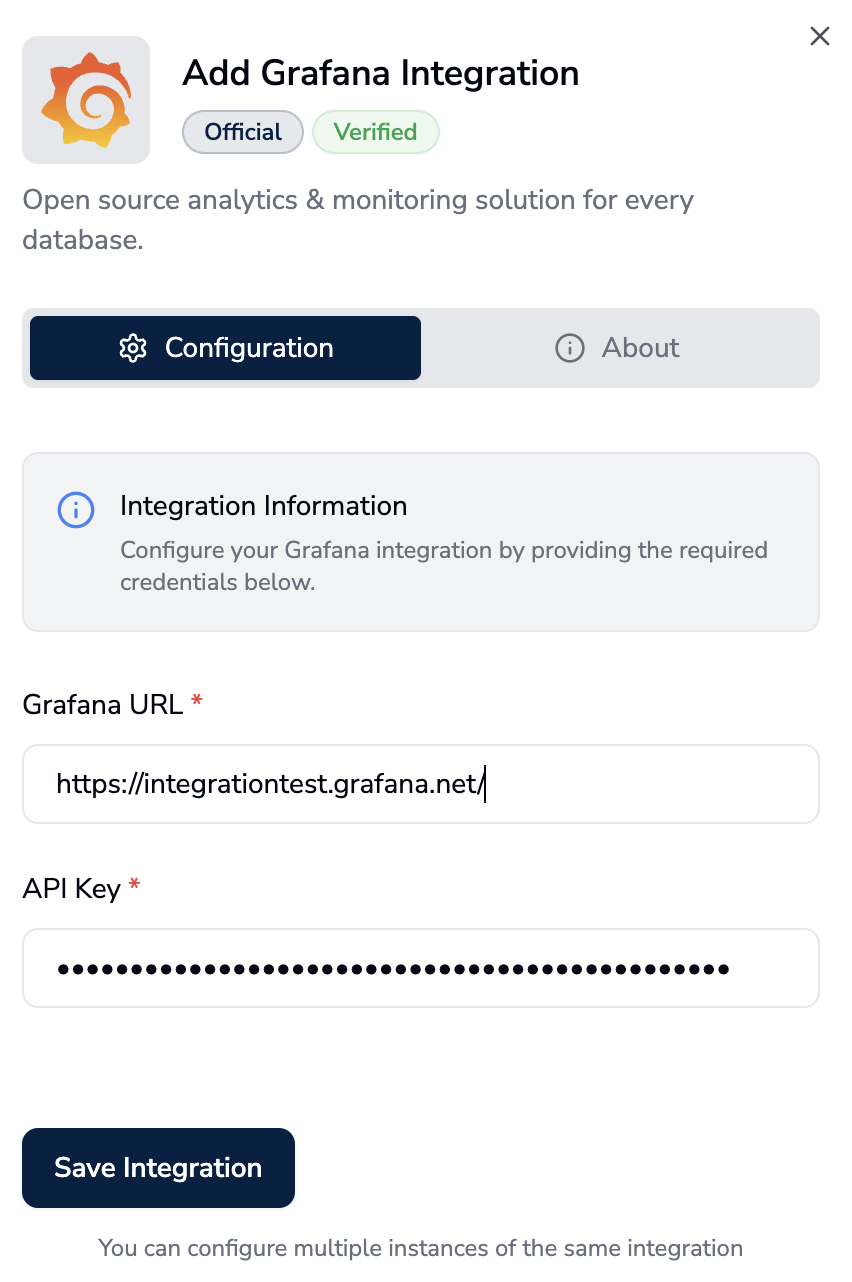
Setting up Grafana integration in OpsiMate
Select an integration to learn how to set it up: